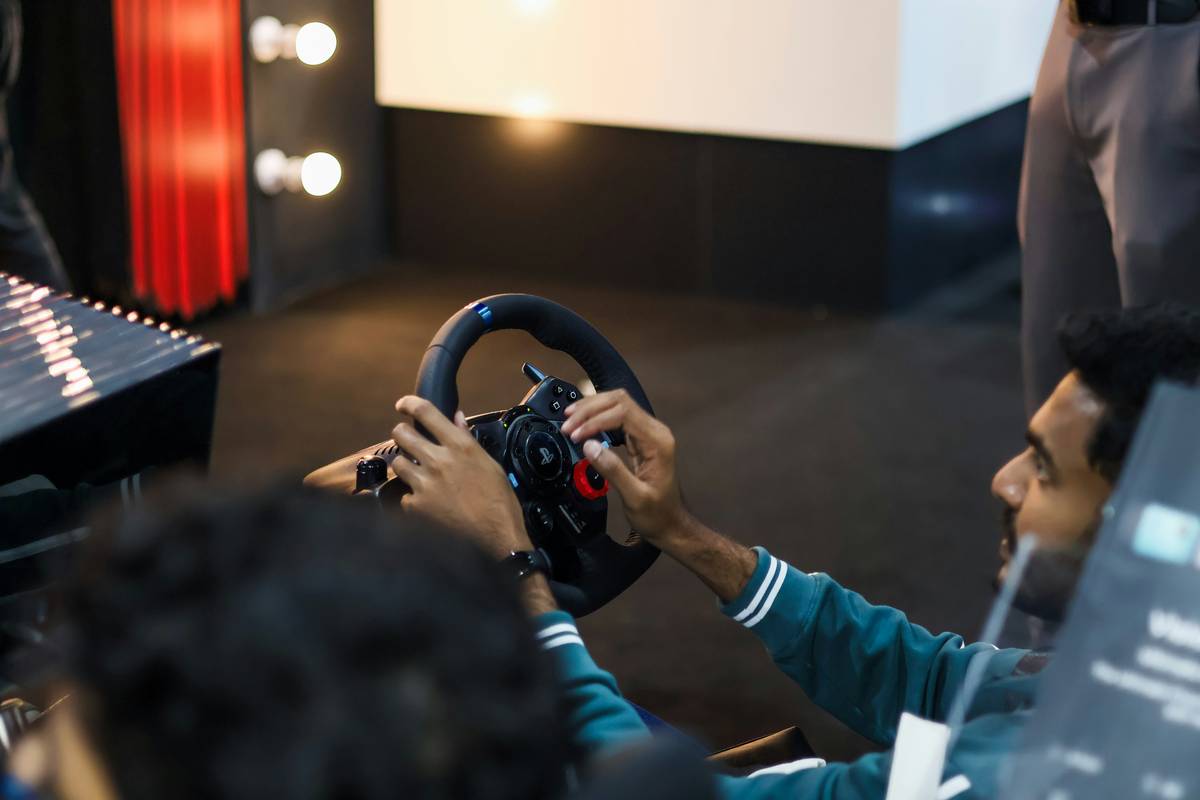
You bought a VR headset. You splurged on haptic gloves. But your virtual car still handles like a shopping cart on ice—because you’re using standard gaming controllers steering wheel-free input. That disconnect kills immersion faster than a flat tire in a racing sim. The fix isn’t always another $300 peripheral—it’s knowing when analog precision actually matters.
Why Traditional VR Controllers Fail at Driving Games
VR motion controllers excel at pointing, grabbing, and swinging—but they suck at simulating continuous rotational input. Turning your wrist 90 degrees doesn’t equal “half-turn” in-game; it’s either on or off. Racing sims demand smooth torque feedback and 360-degree control fidelity. Standard sticks or thumbsticks offer none of that. Worse—they force unnatural arm positions during extended drives, causing fatigue within minutes.
Yet not every driving title needs a full rig. Arcade racers? Maybe not. But if you’re chasing milliseconds in Assetto Corsa or iRacing, physics-based rotation is non-negotiable.
Choosing the Right Wheel Setup for VR
Direct Drive vs. Gear-Driven Force Feedback
Direct drive wheels deliver raw, unfiltered road texture through a motor directly connected to the wheel hub—no gears, no belts. They’re heavier, pricier, but unmatched in realism. Gear-driven systems use reduction gears to amplify torque. Cheaper, lighter—but introduce mechanical lag and “notchiness.” For VR, where sensory alignment is critical, direct drive minimizes input-output delay.
Budget Tiers: What You Actually Get
| Budget Range | Force Feedback Type | Rotation (Degrees) | VR Compatibility | Best For |
|---|---|---|---|---|
| $0–$150 | None or basic vibration | 270° | Limited (via adapters) | Casual kart racers |
| $150–$400 | Gear-driven FFB | 900° | Good (with SteamVR mapping) | Gran Turismo, Forza Horizon |
| $400+ | Direct drive FFB | 1080°+ | Excellent (native support) | Assetto Corsa Competizione, rFactor 2 |
Mounting & Ergonomics: The Hidden Make-or-Break Factor
A loose wheel wobbles. A poorly angled one strains your shoulders. In VR, even 2° of unintended movement breaks presence. Bolt your base to a stable cockpit frame—not your desk. And align the wheel center with your VR camera origin, not your physical torso. Misalignment causes disorientation during hard corners.
The Industry Secret: Most Wheels Don’t Need Built-in VR Support
Here’s what manufacturers won’t tell you: nearly any USB steering wheel works in VR—if you route input through middleware like vJoy or FreePIE. The real bottleneck isn’t hardware compatibility; it’s software mapping. Titles like Dirt Rally 2.0 auto-detect wheels. Others require manual axis calibration in Steam Input. The “VR-ready” label? Often just marketing fluff. I’ve run a $120 Logitech G29 through Half-Life: Alyx’s driving sequences—smoothly—using community profiles. Save your cash; spend it on a solid pedal set instead.
FAQ
Can I use a gaming controllers steering wheel with Oculus Quest 2?
Yes—with a Link cable or Air Link, plus SteamVR. Map inputs via Steam Input settings.
Do VR steering wheels need force feedback?
Not strictly—but without it, you lose critical road feel. Vibration-only wheels degrade immersion fast.
Are there wireless VR-compatible steering wheels?
Few exist. Latency kills responsiveness. Wired USB remains the standard for serious sim racing in VR.