You bought a VR headset. You’re excited. You fire it up—and realize you have no idea how to actually start gaming in virtual reality. Worse, the default setup feels clunky, the stores are overwhelming, and half the “must-have” titles run like PowerPoint slideshows. You’re not alone. Most newcomers drown in jargon, overspending on gear they don’t need while missing the real gateway to immersive play.
Why Most People Fail at Virtual Reality How to Get Gaming
The problem isn’t enthusiasm—it’s misdirection. Manufacturers push expensive all-in-one bundles. Influencers rave about AAA titles that demand $700 GPUs. And SteamVR? It assumes you already know what a “tracking volume” or “guardian boundary” means. Reality check: you don’t need top-tier specs to start. You need clarity.
And here’s the kicker—many new users never calibrate their controllers properly. They skip room setup. They assume plug-and-play works like a PS5 controller. It doesn’t. VR gaming lives or dies by spatial awareness. Mess that up, and you’ll yank your headset off after 10 minutes, frustrated and queasy.
Your No-BS Step-by-Step Path Into VR Gaming
Pick Your Hardware Tier (Not Just Brand)
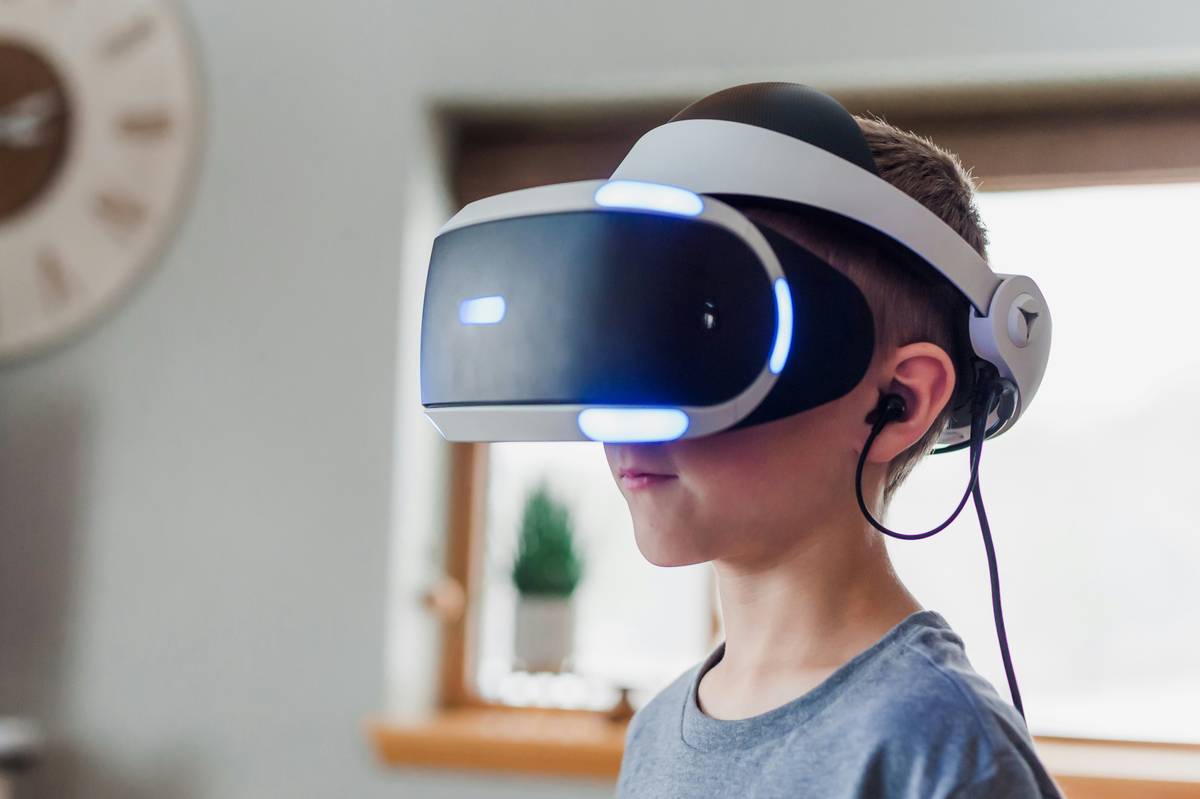
Oculus Quest 3? Vive Pro 2? Valve Index? Don’t chase specs—match hardware to your use case. Casual puzzlers? A standalone headset like Quest 3 is perfect. Hardcore sim racer? You’ll need PC-tethered tracking precision. Stop comparing megapixels. Start thinking about play style.
Install Only What Matters
Uninstall every preloaded demo you don’t recognize. They eat storage and confuse your library. Stick to one storefront: Meta Store for standalone, SteamVR for PC. Why? Fragmentation kills momentum. One library = faster launches, cleaner updates.
Calibrate Like a Pro—In Under 5 Minutes
Most players skip this. Big mistake. Re-run your guardian or playspace setup every time you move furniture—even slightly. Dust on base stations? Wipe them. Controller drift? Recenter in software, then power-cycle. These micro-habits prevent motion sickness and input lag before they start.
| Entry Method | Upfront Cost | Essential Gear | Best For |
|---|---|---|---|
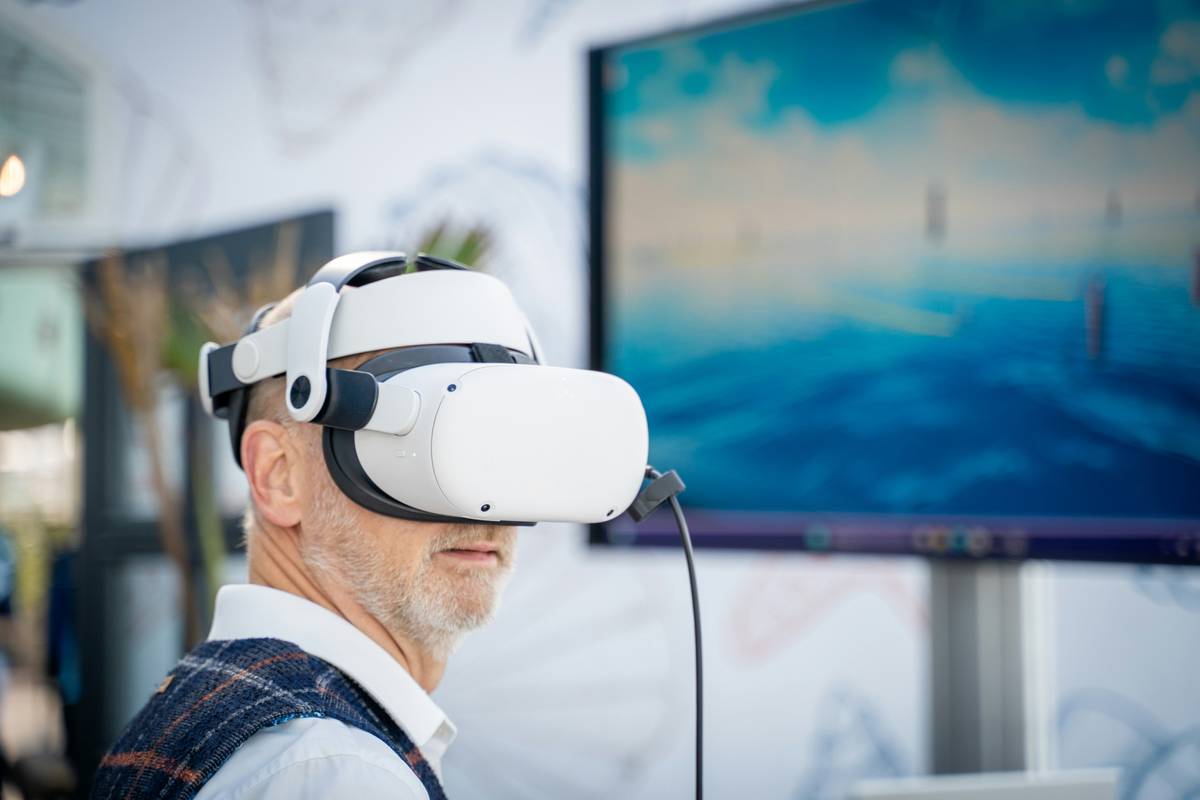
| Standalone (e.g., Meta Quest 3) | $499–$699 | Headset + built-in controllers | Casual gamers, apartment dwellers, quick sessions |
| PC-Tethered (e.g., Valve Index) | $999+ (plus capable PC) | Headset, external sensors, PC VR-ready | Enthusiasts, sim racers, productivity crossover |
| Hybrid (e.g., Quest via Link/Air Link) | $499 + mid-tier gaming PC | Quest headset + USB-C cable / strong Wi-Fi 6 | Budget-conscious players wanting both freedom and power |
The Industry Secret: Start With Non-Games
Here’s what studios won’t tell you: your first 3 hours in VR should NOT be gameplay. Instead, launch apps like First Steps (Meta), Waltz of the Wizard, or even YouTube VR. Why? They teach spatial intuition—how to reach, turn, duck—without punishment for failure. Game engines assume you’ve already internalized these mechanics. Skip this phase, and every title feels “broken.”
Think about it: You didn’t learn to drive by entering Le Mans. You practiced parking. Same logic applies. Master object interaction in low-stakes environments. Then—only then—dive into Boneworks or Hellsplit: Arena. Your retention rate will skyrocket.
Frequently Asked Questions
Do I need a gaming PC for virtual reality how to get gaming?
No—if you choose a standalone headset like Meta Quest 3. It runs games independently. Only tethered systems (Index, Vive) require a VR-ready PC.
Why do my VR controllers keep losing tracking?
Dust on lenses, reflective surfaces nearby, or weak lighting disrupt optical tracking. Clean sensors weekly, remove mirrors/glass tables from your playspace, and ensure even ambient light.
What’s the cheapest way to start virtual reality how to get gaming?
Buy a used Quest 2 (~$250) and stick to free or $10 indie titles. Avoid accessories until you confirm you’ll play regularly. Most abandon VR within weeks due to overspending upfront.